AI Teaching Aide: Teacher Training Guide
Overview
The AI Teaching Aide is a teacher-guided assistant designed to support instruction, classroom discussions, and collaborative learning. It empowers teachers to enhance engagement, scaffold learning, and monitor student progress while maintaining professional oversight.
Key Features
-
Instructional Support
- Flip classroom activities
- Reinforce learning
- Warm-up discussion activities
- Scenario-based conversations
- Mock interviews and role plays
-
Analysis and Insights
- Summarizes student conversations to identify themes, engagement levels, misconceptions, and learning challenges
- Detects signs of distress in student responses
- Saves chat history for review
-
Collaboration
- Enables teachers to join conversations
- Supports collaborative learning among students, teachers, and AI
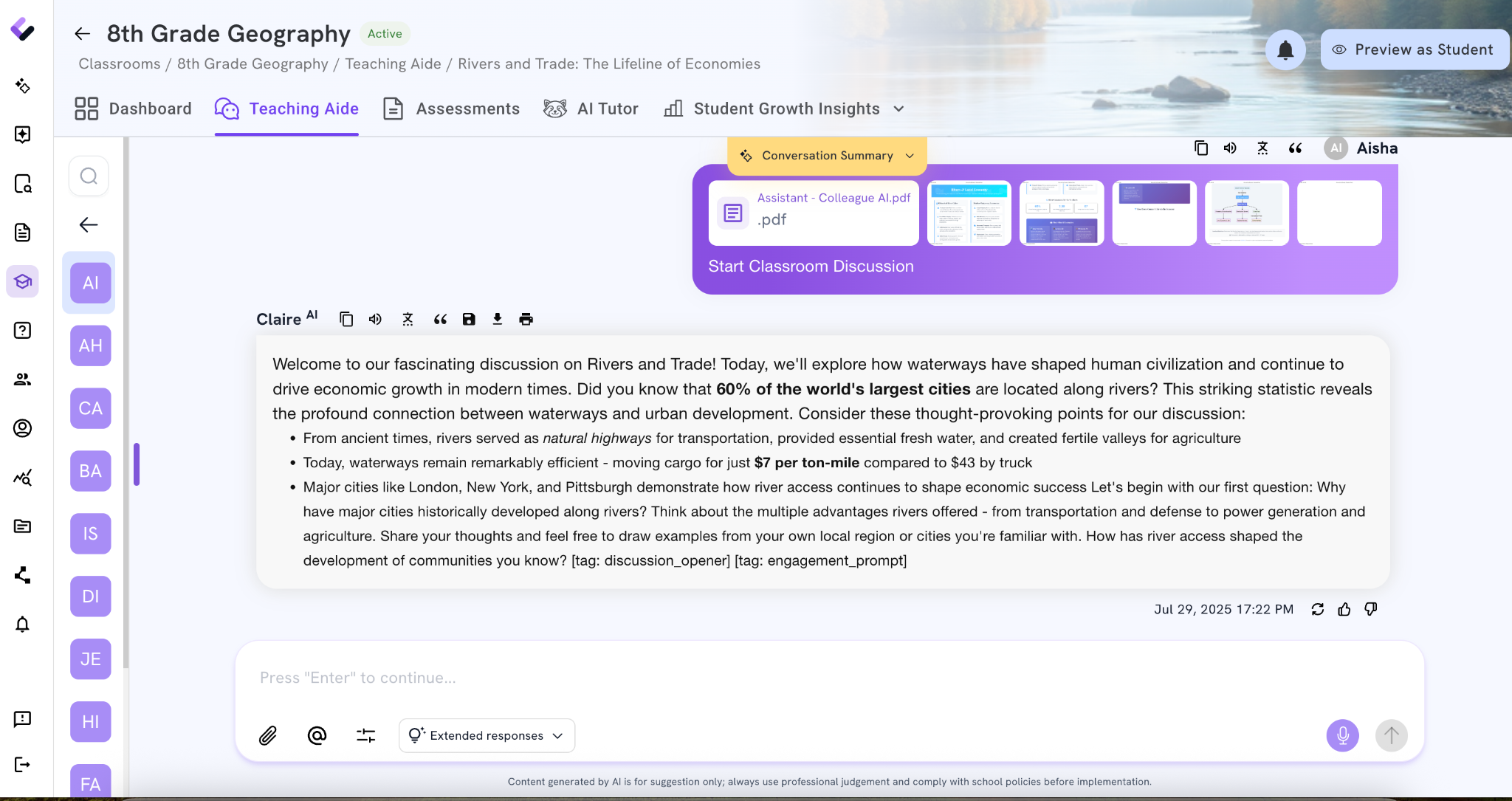
Example Use Case
Prompt Example:
“Help my students prepare for a whole class discussion after reading Snow by Charles Baxter. The question they will discuss is: Why does Russell say that he wants to feel cold, so cold that the cold itself became permanently interesting? Students must use evidence from the text as they speak.”
The AI Teaching Aide will guide students to:
- Identify key ideas and themes
- Recognize character interactions
- Understand and use challenging vocabulary

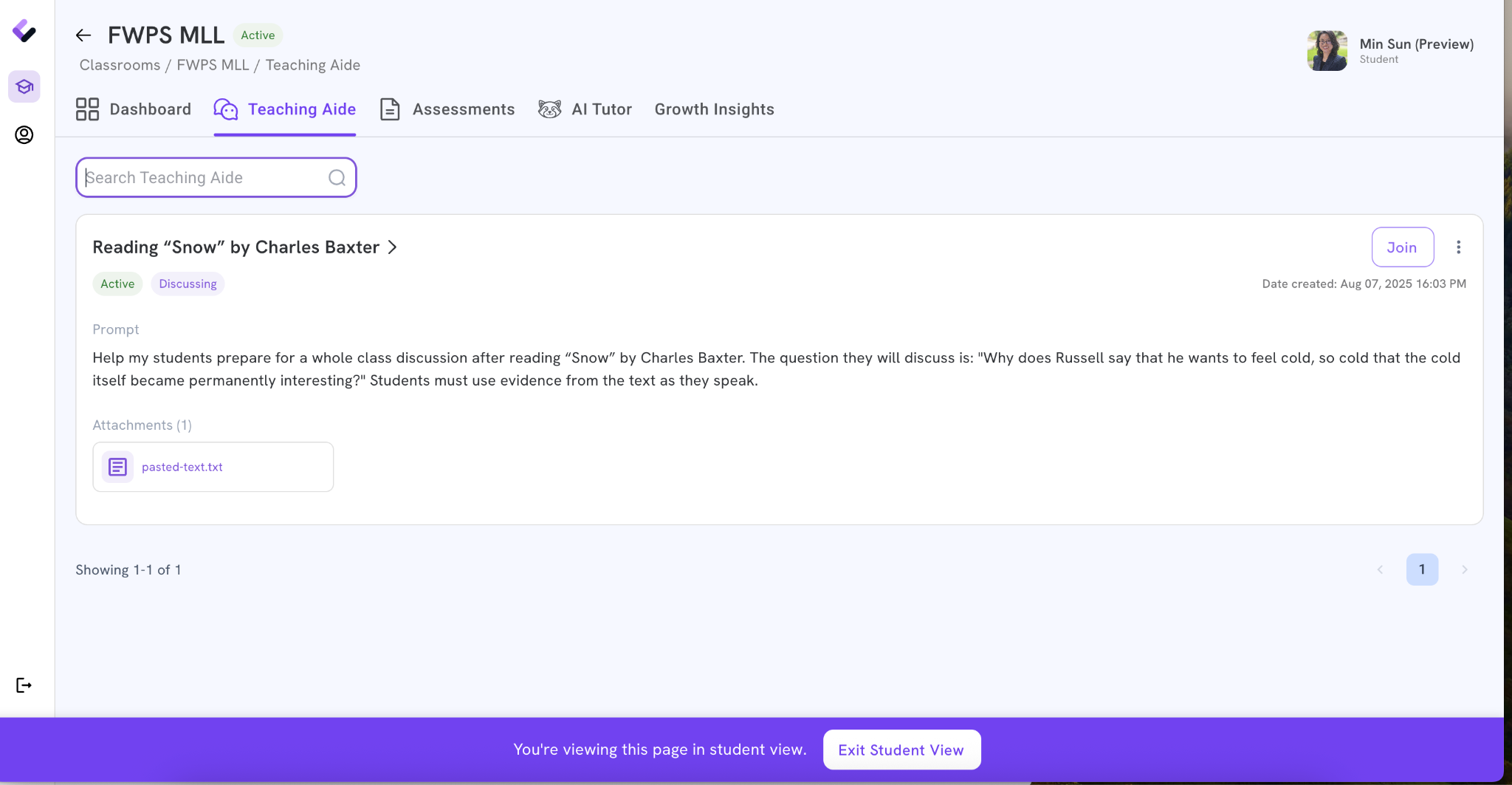
Preview as Student
The Preview as Student mode allows teachers to experience the AI Teaching Aide exactly as students would. This helps teachers anticipate student questions, evaluate the clarity of prompts, and fine-tune scaffolds before deploying in class.
Teacher Benefits
- Supports differentiated instruction for multilingual learners, introverted students, and those performing below grade level
- Provides formative insights to adjust instruction in real time
- Reduces preparation time while enriching classroom discussions
Training Activity
- Mild: Tour the demo classroom and preview as a student
- Medium: Create your own teaching aide by modeling after the provided examples
- Spicy: Test the tool by typing in student responses, then generate a discussion summary to review themes and misconceptions
Takeaway
The AI Teaching Aide acts as a collaborative partner, helping teachers scaffold instruction, guide discussions, and personalize student support without replacing teacher expertise.